
Setting up a telecalling team comes down to sequencing, not just picking good tools. This guide covers the technology to set up call center telecalling team from workstations and headsets, through CRM and call monitoring, to the SIM-based versus VoIP decision. It also includes a realistic rollout timeline and the mistakes that trip up most first attempts.
Running a telecalling desk used to mean a chair, a landline, and a call log written by hand. That's gone. The technology to set up a call center telecalling team now runs in layers: physical hardware at the base, software systems on top, and data tools tying it all together. Get the order wrong, or skip a layer, and it shows up in your numbers within a week.
Most businesses get this wrong in one of two ways. They either overspend on enterprise tools built for hundred-seat operations when they're running eight agents, or they skip something critical and find out during a busy sales week, when a lead goes uncalled for three days because nobody flagged it.
This guide walks through exactly what a functioning call center telecalling team needs, in the order you should actually buy it, with real specs, real costs, and the mistakes that trip up most first-time attempts.
Start With the Hardware
Software is only as good as the machine running it. Software is only as effective as the machine it runs on. Before you look at a single CRM or dialer, get the physical layer right. This is also the layer that's cheapest to fix in advance and most expensive to fix after agents are already using it, since replacing a workstation mid-shift means downtime.
Here's what every seat actually needs, with the specs that matter:
- A workstation with at least 8GB RAM and a mid-range processor. Anything less and your CRM, dialer, and browser tabs will fight each other for memory, and agents will feel it as lag during a live call, which is exactly when you can't afford it.
- A noise-cancelling headset, ideally USB rather than a 3.5mm jack, since USB headsets tend to hold call quality better on cheaper machines. Cheap wired headsets are the single most common source of dropped call quality complaints from agents.
- A phone or softphone. Desk phones, mobile handsets, and software-based softphones all work; the right choice depends on whether your telecalling team is fixed-seat or remote, and whether you're routing calls through a SIM card or a VoIP line.
- Stable internet with a minimum of 10 Mbps upload per active call line if you're on VoIP. SIM-based setups avoid this dependency entirely, which is worth knowing if your office internet isn't reliable.
- Routers and switches sized for your seat count, not your current headcount. Undersized networking gear is the quiet cause behind call drops that get blamed on the software instead.
- A firewall or security appliance. You're handling customer phone numbers, call recordings, and lead data. Treat it like the compliance liability it actually is, especially in finance, healthcare, or any regulated vertical.
For a team of ten agents, budget roughly ₹35,000 to ₹55,000 per seat for hardware if you're buying new mid-range equipment, less if you're outfitting a remote team that uses personal devices with company-issued headsets.
Get these six right and you've solved most of the coordination problems a growing calling team runs into before they even start.
Technology to Set Up Call Center Telecalling Team: The Software Layer
Hardware gets you connected. Software is what turns individual phone calls into a repeatable, trackable process instead of something that lives only in an agent's memory.
This is where most of the real call centers technologies decisions get made, and where most budgets get spent.
1. Automatic Call Distribution (ACD)
With ACD, the incoming call is automatically directed to the right agent based on skills, availability, language, or customer history. Without ACD, calls get directed anywhere, waiting times increase, and your most skilled agents are left sitting around, while your newest agent deals with a technical escalation call that he hasn’t learned yet.
You should look for an ACD system that allows you to have skill-based routing and priority queuing, as opposed to round-robin routing alone.
2. Customer Relationship Management (CRM)
Your CRM is the memory of the entire operation. It stores every customer interaction, tracks lead status through each stage of the pipeline, and gives managers a single view of what's actually working versus what just feels like it's working.
The features that matter most: click-to-call from the lead record, automatic call logging so agents aren't manually typing notes after every call, and lead-source tracking so you know which campaigns are producing calls that convert.
If you're comparing options, the CRM & call center analytics for telecalling breakdown covers what separates a genuinely useful system from one that just stores contact cards.
Skip this layer and you're running on spreadsheets and institutional memory, which breaks completely the moment a senior agent quits and takes their lead knowledge with them.
3. Interactive Voice Response (IVR)
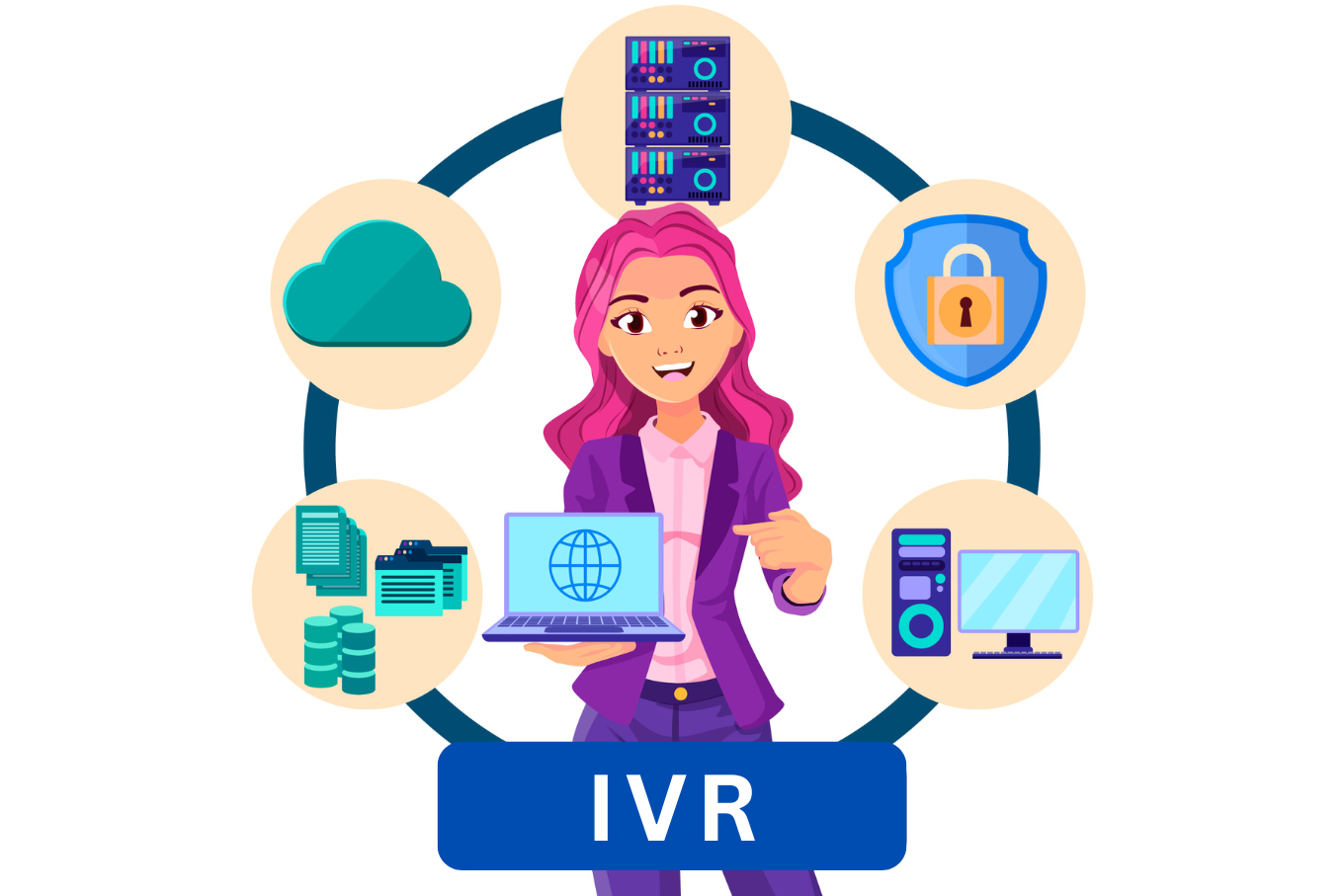
The IVR system takes care of greeting customers and connecting them before any human does.
If done well, it reduces misconnections and offers self-service for easy questions such as order inquiries; but if done poorly, it becomes the single biggest reason why customers disconnect prior to speaking to a live person.
Menu choices should not exceed three at each point and must offer a choice to go to a zero-out option for a human contact, as forcing people to go through five menu points is the way to make them leave before calling even started.
4. Workforce Management (WFM)

WFM software is responsible for scheduling, forecasting call volume, and monitoring attendance and adherence.
Once you have more than five or six agents in a team, manually scheduling them in spreadsheets becomes unfeasible; otherwise, you will be noticing gaps in coverage in high call volume periods as there were no provisions made for that period.
A good WFM software would do its work by taking into account call pattern history.
5. Call Recording and Monitoring
It is mandatory for quality control and in certain industries, it may even be a legal mandate rather than just an option.
With recorded phone calls, the manager can coach the call center representative with practical examples rather than abstract advice, sort out the dispute with customers using practical evidence rather than a mere word of mouth, and train the new hire on the basis of successful calls rather than a script that cannot be adhered to.
6. Analytics and Reporting Tools
Recording calls is useless if nobody reviews the data.
A good analytics layer pulls in call volume, average handle time, first-call resolution, and conversion rates by agent, then puts it on a dashboard your managers actually check daily instead of once a month.
This is also where analysing call data turns from a nice-to-have into the thing that tells you which scripts convert, which agents need coaching, and which lead sources are actually worth the ad spend.
Picking the Right CRM for Telecalling
Not every CRM built for general sales is built for telecalling.
The best CRM for call center use has a few non-negotiables: it needs click-to-call baked in rather than bolted on, automatic call logging so agents aren't stopping to type notes between calls, and lead-source attribution so you can trace a conversion back to the campaign that generated it.
General-purpose CRMs often handle the first two adequately and fall short on the third, which matters more than it sounds like once you're running multiple campaigns at once and need to know which one is actually paying for itself.
SIM-Based vs Traditional Setup
Not every setup needs a full VoIP infrastructure, and this is one of the more overlooked ways teams of any size overspend early. A traditional VoIP-based contact center needs dedicated internet bandwidth, a PBX system, and a per-line licensing cost that adds up fast as you scale seats.
SIM based call center software skips all of that. It runs on regular mobile SIM cards with monitoring layered on top, so there's no PBX hardware and no bandwidth dependency for call quality, whether you're running five seats or five hundred.
A mobile call center setup for small business is usually the fastest way to get outbound, field, or list-driven calling running, and the same approach holds up just as well at enterprise scale. The real decision isn't SIM-based versus VoIP as fixed categories. It's how your calls actually move through the team.
Outbound and list-driven calling fits naturally on a SIM-based setup. Heavy inbound volume that needs deep IVR trees or multi-department routing leans toward what VoIP infrastructure is built for. Match the technology to your call flow, not to a size bracket.
Setting Up a Cold Calling Team vs an Inbound Team
The technology to set up cold calling team looks different from what an inbound support desk needs. Cold calling agents work through call lists all day, so speed matters most: a solid CRM, fast call logging, and quick lead-status updates.
IVR and complex routing barely matter here, since there's no inbound queue to manage. If you're focused on the technology to set up telecalling team for outbound work, put your budget into CRM and dialer speed first.
Inbound support works the other way. ACD and IVR become the priority, and dialer speed matters less.
Know which one you're building before you spend, since that decides where your money should go first.
A Realistic Rollout Timeline
Most first-time setups take four to six weeks longer than planned, almost always because software procurement and hardware delivery aren't sequenced properly. Here's a rollout that avoids that:
- Week 1: Finalize hardware specs and place orders. Simultaneously shortlist your CRM and call monitoring software, since evaluation takes longer than people expect.
- Week 2: Hardware arrives and gets configured. Software trials begin, with at least two stakeholders testing each shortlisted tool against real call scenarios, not just the sales demo.
- Week 3: Finalize software choices, configure ACD routing rules and IVR menus, and integrate CRM with your calling system so click-to-call and automatic logging actually work before go-live.
- Week 4: Run a pilot with two or three agents for a full week. This surfaces problems, like a headset that doesn't play well with your softphone, before your whole team hits them at once.
- Week 5-6: Full team rollout, with daily check-ins for the first week to catch adoption issues early.
Common Mistakes to Avoid
- Buying software before hardware is finalized. Some CRMs and dialers have minimum system requirements that cheaper workstations can't meet, and you find out after the licenses are already paid for.
- Skipping the pilot week. Rolling out to twenty agents at once means twenty simultaneous support tickets instead of two or three manageable ones.
- Underestimating internet requirements for VoIP. A shared office connection that feels fast for browsing can fall apart under ten simultaneous call lines.
- No monitoring layer from day one. Teams that add call recording and analytics six months in lose half a year of data they can never get back, and they lose the ability to diagnose why early performance was weaker than expected.
Getting Your Setup Right on a Budget
You don't need enterprise software to get this right, and most teams under thirty seats shouldn't be buying it.
If you're running a lean team, prioritize spend in this order: reliable headsets and workstations first, telemarketing CRM software with solid call logging second, and a monitoring layer third.
This sequence works whether you're trying to setup call center operations from scratch or fixing a telecalling setup that's already underway but missing pieces, and it defers the more expensive workforce management and advanced analytics tools until you actually have the call volume to justify them.
Where Callyzer Fits
Callyzer is built specifically for SIM-based telecalling teams. It provides the monitoring and reporting layer that most operations struggle to build on their own, making it a best telecalling system option for teams that want to avoid the overhead a VoIP-first tool would add.
Setup takes minutes. Install the app on your team's phones, and monitoring starts right away. No PBX, no bandwidth requirements, no IT project to plan around.
Here's what it handles out of the box:
- Real-time tracking of every incoming, outgoing, missed, and rejected call
- A central dashboard showing team-wide activity at a glance
- Lead management with status tracking and follow-up reminders
- Automatic call recording sync, with no manual uploads
- Daily, weekly, and monthly performance reports for every agent
- Integration with your existing CRM through API or Zapier
Most call monitoring tools are built for VoIP first. SIM-based calling gets treated as an afterthought, patched on rather than designed for. Callyzer works the other way. It's built around mobile SIM calling from the ground up, so nothing feels bolted on.
For a telecalling team that wants full visibility without the infrastructure overhead, Callyzer is close to a one-stop answer.
Key Takeaways
Getting the technology to set up call center telecalling team right comes down to sequencing, not just picking good tools. Workstations and headsets first, then ACD and CRM, then the monitoring and analytics layer that tells you if any of it is actually working.
Skip a layer and you'll feel it within weeks. No CRM means lost lead context the moment someone leaves. No call recording means no way to coach agents or settle disputes with evidence. No analytics means you're running the team on gut feel instead of data, and gut feel doesn't scale past a handful of agents.
Build it in order, test it with a small pilot before full rollout, and a setup that usually takes six weeks of trial and error can come together in a fraction of that time.
Frequently Asked Questions
What technologies are needed to set up a call center?
At minimum: reliable workstations, headsets, a phone or softphone, and stable internet or SIM connectivity. On the software side, add a CRM and call monitoring. IVR and ACD matter more once you're handling real inbound volume. Analytics comes later, once you actually have call data worth analyzing.
Can I run a call center using mobile phones?
Yes. SIM-based systems use regular phones and SIM cards instead of a VoIP setup or PBX hardware. Layer monitoring software on top and you get real-time call tracking, recording, and reporting without any of the traditional infrastructure.
What is cloud telephony, and why is it important for call centers?
Cloud telephony runs your calling infrastructure over the internet instead of physical phone lines. Agents can work from anywhere, scaling up doesn't mean buying new hardware, and things like call recording and reporting come built in rather than added later as an afterthought.
Can Callyzer integrate with our existing CRM?
Yes. Callyzer connects to your CRM through a REST API and through Zapier, so it fits into most existing stacks without custom development. Call logs, recordings, and lead status updates sync automatically in real time, so agents work from one system and the data lands in the CRM without manual re-entry.
How do outbound call centers work?
Agents work through a list of numbers, usually pulled from a CRM or a lead source. Calls get logged automatically, lead status updates as conversations happen, and managers track performance through call volume, connect rates, and conversions.
How does a CRM help in managing a call center?
It keeps every customer interaction in one place. Agents see call history and lead status before they even dial. Managers get one view of what's converting and what isn't. Without it, that knowledge lives in an agent's head, and it walks out the door the day they quit.
Can small businesses benefit from cloud-based call center solutions?
Often more than larger teams do. Cloud and SIM-based tools cut the upfront hardware cost, so a five-person team gets the same monitoring and reporting a much bigger operation would use, minus the infrastructure spend.